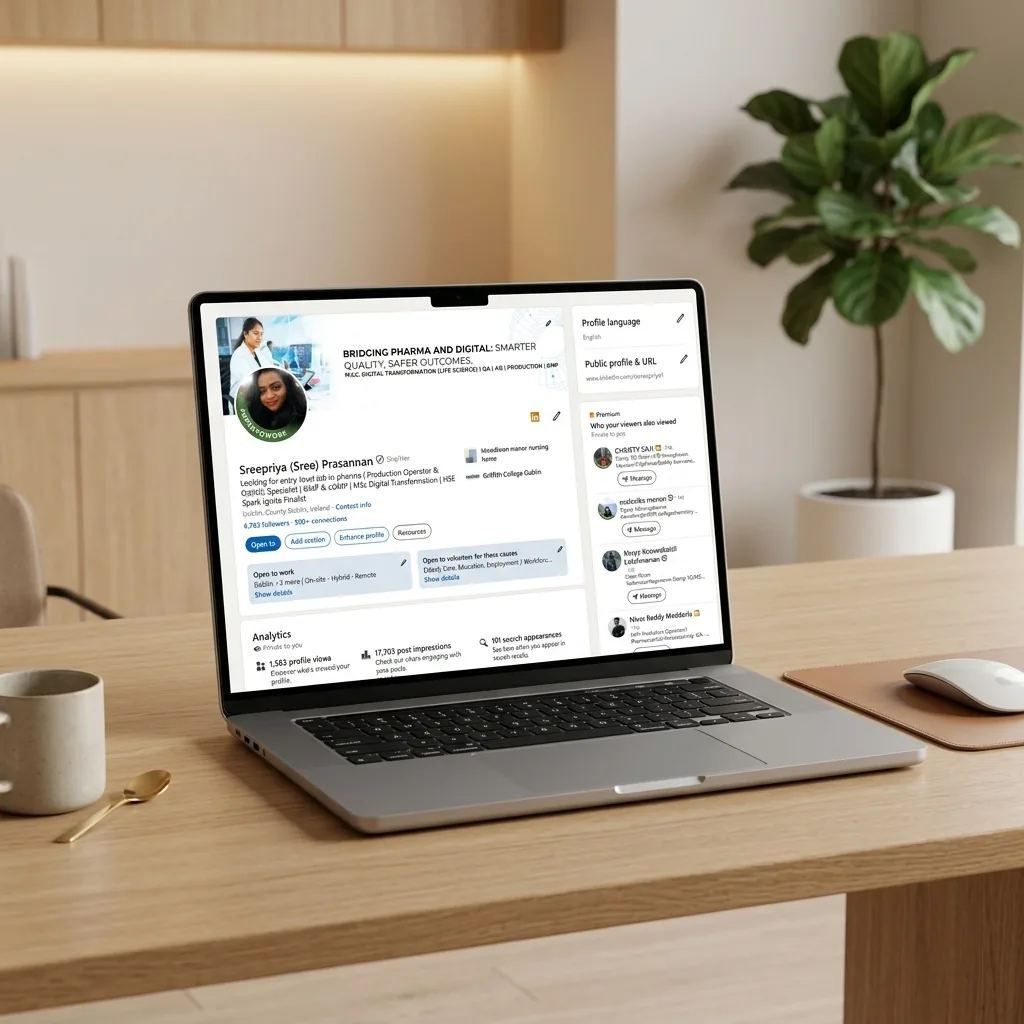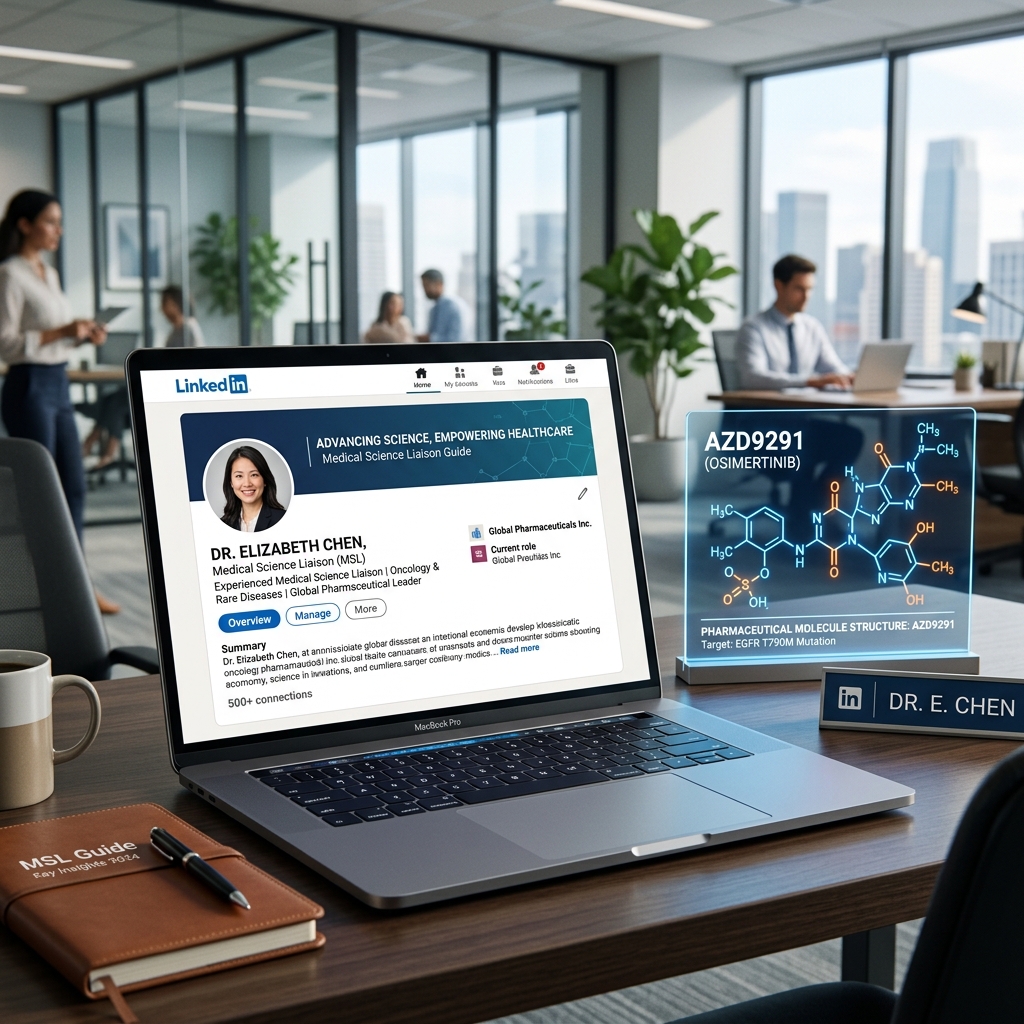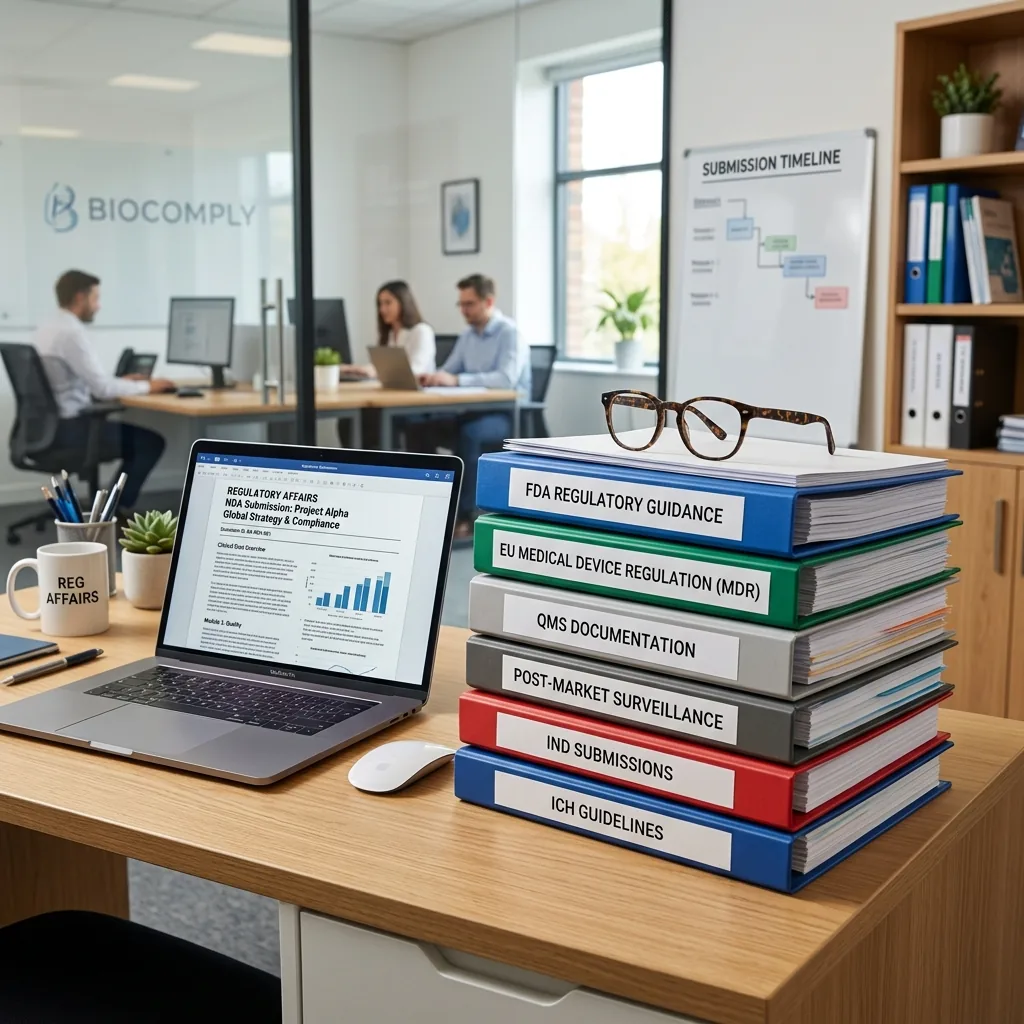


Whether you're a QC analyst in Cork, a regulatory affairs manager in Dublin, or a MedTech engineer in Galway - your LinkedIn profile is your most powerful career tool in 2026. This guide shows you exactly how to build one from scratch using AI, with copy-paste prompts for ChatGPT, Claude, or Gemini at every step.
Why LinkedIn Matters More Than Ever in Irish Life Science
Ireland is home to 9 of the world's top 10 pharmaceutical companies. Pfizer, Johnson & Johnson, AbbVie, Eli Lilly, Bristol Myers Squibb - they all recruit heavily through LinkedIn. Recruiters at IDA Ireland-backed companies make more than 70% of their shortlist decisions based on LinkedIn alone before ever reading a CV.
A weak or incomplete profile doesn't just mean fewer connections - it means being invisible to the people who hire in your field. But building a strong profile is time-consuming. That's where AI changes everything.
What You Need Before You Start
Before opening LinkedIn or any AI tool, gather these in a document:
- Your current job title and company
- Your previous 2-3 roles (title, company, dates, key responsibilities)
- Your highest qualification and college
- 3-5 skills you want to be known for (e.g. GMP, HPLC, regulatory submissions, clinical trials)
- One or two career achievements with numbers if possible
- The type of role or company you want next
With this list ready, AI can do the heavy writing for you in minutes.
Step 1: Write Your LinkedIn Headline Using AI
Your headline is the single most-searched field on LinkedIn. It appears under your name in every search result, comment, and message. Most people just write their job title - that's a wasted opportunity.
What a strong headline looks like:
Regulatory Affairs Manager | EMA & HPRA Submissions | Pharma Ireland | Open to Senior RA Roles
It tells LinkedIn's algorithm what you do, where you do it, and what you're looking for - all in one line.
AI Prompt - copy and paste this into ChatGPT, Claude, or Gemini:
Write 5 LinkedIn headline options for a [your job title] with [X years] experience in [your industry, e.g. pharmaceutical manufacturing]. I work at [company name] in [city, Ireland]. My top skills are [skill 1], [skill 2], [skill 3]. I am [open to new roles / not actively looking]. Each headline should be under 220 characters and include relevant keywords for LinkedIn search. Write in a professional but human tone - not corporate jargon.
Pick the headline that feels most like you, then copy it directly into LinkedIn's headline field.
Step 2: Write Your About Section
The About section is your 2,600-character pitch. Most people either leave it blank, write one sentence, or paste their CV summary word-for-word. All three are mistakes.
A great About section tells a story: who you are, what you're good at, what you've achieved, and what you're looking for. It ends with a clear call to action.
AI Prompt - your About section:
Write a LinkedIn About section for me. Here is my information:
- Current role: [title] at [company]
- Years of experience: [X]
- Industry: [pharma / biotech / MedTech / clinical trials]
- Top 3 skills or expertise areas: [list them]
- A key achievement: [e.g. led validation of 4 new production lines, passed 2 FDA inspections]
- What I'm looking for: [e.g. senior QA role in a CDMO, open to Dublin or Cork]
- Tone: professional but warm, first person, not formal
Write 3-4 short paragraphs. Include relevant pharma Ireland keywords naturally. End with "Feel free to connect or message me." Keep under 2,500 characters.
Step 3: Write Your Experience Entries
Each role should have 3-6 bullet points that focus on what you did and the result, not just your duties. LinkedIn's algorithm reads your experience entries for keywords - so this section matters for search ranking too.
AI Prompt - for each job role:
Write LinkedIn experience bullet points for this role:
- Job title: [title]
- Company: [name]
- Dates: [month/year - month/year]
- What I actually did day-to-day: [paste your rough notes or CV bullet points here]
- Any measurable results or achievements: [e.g. reduced deviation rate by 30%, passed HPRA inspection with zero critical findings]
Write 4-5 bullet points. Start each with a strong action verb (Led, Managed, Delivered, Reduced, Implemented). Include relevant industry keywords like GMP, ICH guidelines, CAPA, EMA, or whatever applies. Keep each bullet under 2 lines.
Step 4: Build Your Skills Section Strategically
LinkedIn lets you list up to 50 skills. Your connections can endorse them, and LinkedIn uses them to match you to job postings. The key is choosing the skills recruiters actually search for in your field.
AI Prompt - skills list:
I am a [job title] in the [pharma/biotech/MedTech/clinical trials] industry in Ireland. List the 20 most in-demand LinkedIn skills for someone in my role that would help me appear in recruiter searches in 2026. Include both technical skills and professional skills. Format as a simple comma-separated list.
Add the top 10-15 to your LinkedIn Skills section. Then ask 3-5 colleagues to endorse you for your top 5.
Step 5: Optimise Your Profile Photo and Banner
Profiles with a professional photo get 21x more views than those without. You don't need a professional photographer - a modern smartphone in good light is enough:
- Plain or blurred background, not a busy room
- Face takes up 60% of the frame
- Smile, make eye contact with the camera
- Dress as you would for a senior interview in your field
For your LinkedIn banner, use Canva to create a free branded image. Size: 1584 × 396 pixels.
Banner AI prompt for Gemini Image or Canva AI:
Create a professional LinkedIn banner for a [job title] in pharmaceutical/life science industry. Use a dark green and white colour palette. Include subtle imagery of a laboratory or pharma facility. Text overlay: "[Your Name] | [Your Specialty] | [Your Location, Ireland]". Clean, modern, minimal design. 1584x396 pixels.
Step 6: Update Without Notifying Everyone (Stealth Mode)
Updating your LinkedIn profile is essential, whether you're polishing your resume, adding a new skill, or fixing a typo. But you don't always want to blast your entire network with an update notification every time you tweak a comma! Here is a step-by-step guide on how to update your profile stealthily:
- Go to Settings & Privacy: Click on your profile picture ("Me" icon) at the top right of your LinkedIn homepage, and select Settings & Privacy from the dropdown menu.
- Navigate to Visibility: On the left-hand sidebar, click on Visibility.
- Find "Visibility of your LinkedIn activity": Scroll down to this section and click on Share profile updates with your network.
- Toggle it OFF: Switch the toggle to No. This setting means that your network won't be notified about changes to your education, current job, or work anniversaries.
- Make Your Updates: Now you can safely head back to your profile and make all the tweaks, overhauls, and edits you need without triggering a single alert to your connections.
Remember to toggle "Share profile updates" back to YES if you land a major new role that you actually DO want to celebrate with your network!
Step 7: Adding Images & Media to Your Profile
A picture is worth a thousand words, especially on LinkedIn! If you're updating your profile, don't forget to leverage the Featured section and your Experience section to showcase your work visually.
- The Featured Section: This is prime real estate right below your About section. Use this to link to portfolios, add certificates, or upload images of major projects or presentations.
- Experience Media: Did you know you can add media directly to specific job roles? Click the pencil icon to edit a job in your Experience section, scroll to the bottom, and click "Add media". This is the perfect spot for links to articles you've written, company websites, or images of awards you earned during that role.
Step 8: Write Your First LinkedIn Post Using AI
Once your profile is complete, posting once or twice a week is the fastest way to grow your network and get noticed by recruiters.
AI Prompt - your first LinkedIn post:
Write a LinkedIn post for a [job title] in the [pharma/biotech/MedTech] industry. Topic: [one insight or lesson from your recent work - e.g. "what I learned from my first FDA inspection", "3 things new QC analysts get wrong"]. Tone: conversational, first person, genuine. Include a question at the end to encourage comments. Use 3-5 short paragraphs. Add 3-5 relevant hashtags including #PharmaIreland and #LifeScienceIreland.
Post on Tuesday or Wednesday morning between 8am-10am Irish time - when engagement is highest in the Irish life science community.
The Master AI Prompt: Build Your Full Profile in One Session
If you want to do everything at once, use this master prompt. Fill in your details and let AI draft your complete LinkedIn profile:
You are a professional LinkedIn profile writer specialising in the pharmaceutical, biotech, and MedTech industry in Ireland. Write all of the following for my LinkedIn profile:
1. Headline (under 220 characters, keyword-rich for Irish pharma/life science recruiters)
2. About section (first person, 3-4 paragraphs, under 2,500 characters, ends with CTA)
3. Experience bullet points for each of my roles (4-5 bullets per role, action verbs, achievements)
4. Skills list (20 most relevant LinkedIn skills for my role in 2026)
5. A short recommendation request template I can send to a former manager
My details:
Name: [your name]
Current role: [title at company, city]
Previous roles: [list with dates]
Education: [degree, college, year]
Top skills: [list 5-8]
Key achievement: [one or two specific results]
Target next role: [what you want next]
Tone: professional but human, not stiff
Label each section clearly so I can copy directly into LinkedIn.
Final Checklist: Is Your LinkedIn Profile Complete?
- ✅ Profile photo (professional, clear face)
- ✅ Banner image (branded or relevant to your field)
- ✅ Headline (keywords + what you do + location)
- ✅ About section (story, skills, achievement, CTA)
- ✅ All experience roles with bullet points
- ✅ Education section complete
- ✅ Skills section (15+ relevant skills)
- ✅ At least 1 recommendation received
- ✅ Custom LinkedIn URL (linkedin.com/in/yourname)
- ✅ Open to Work toggle set (if relevant)
- ✅ First post published
With AI doing the heavy lifting, building a complete, recruiter-ready LinkedIn profile now takes 2-3 hours instead of days. The Irish life science market is competitive - but a strong profile puts you in front of the right people before they even start searching.
Have a question about your LinkedIn profile or want feedback? Connect with the Priya Life Science community - we're here to help Irish life science professionals grow their careers.